 2 min read
Check your stream stats & use Enhance
Real view/watch-time numbers from YouTube Analytics, plus an AI assist for writing your title, description, and tags.
Load your stats
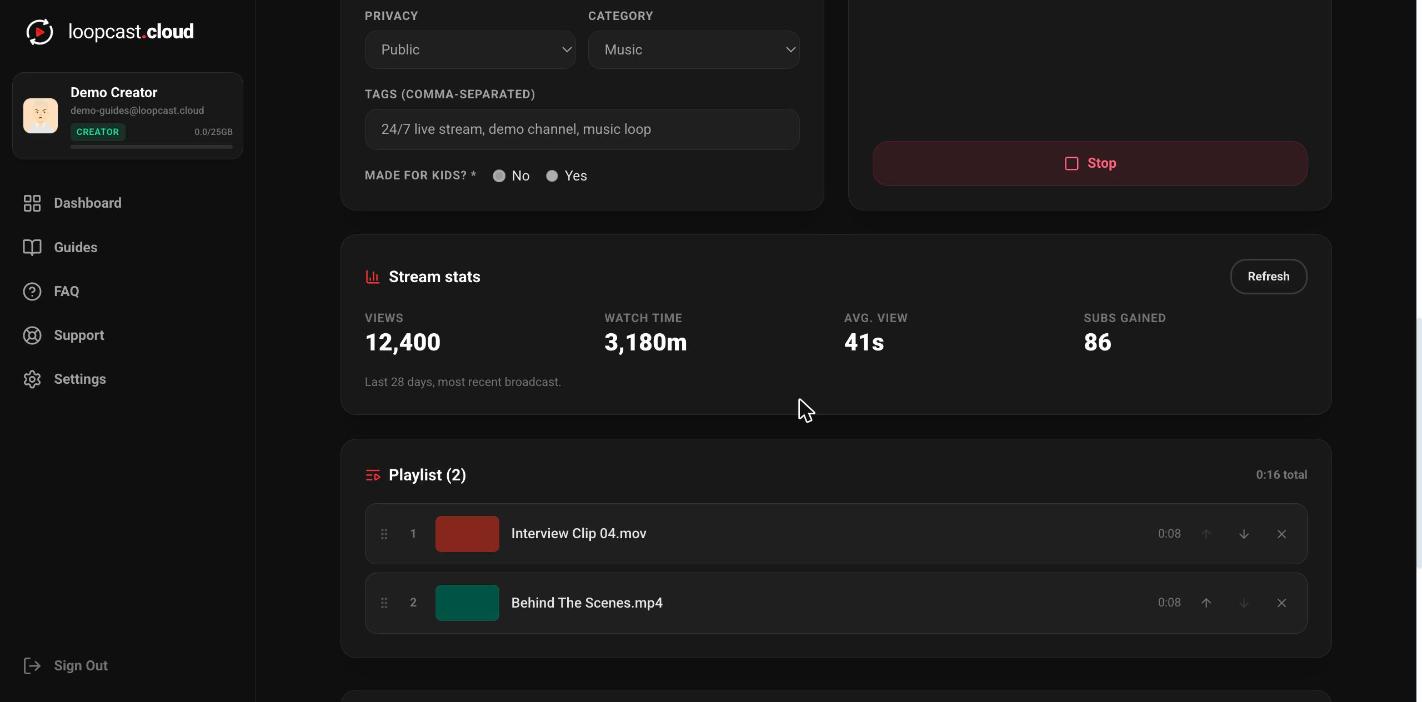
Stream stats sits below your broadcast controls and shows views, watch time, average view duration, and subscribers gained for your most recent broadcast — pulled directly from YouTube Analytics. Click Load stats to fetch the current numbers; they don't update live on their own.
On desktop
Use Enhance to draft your title & description
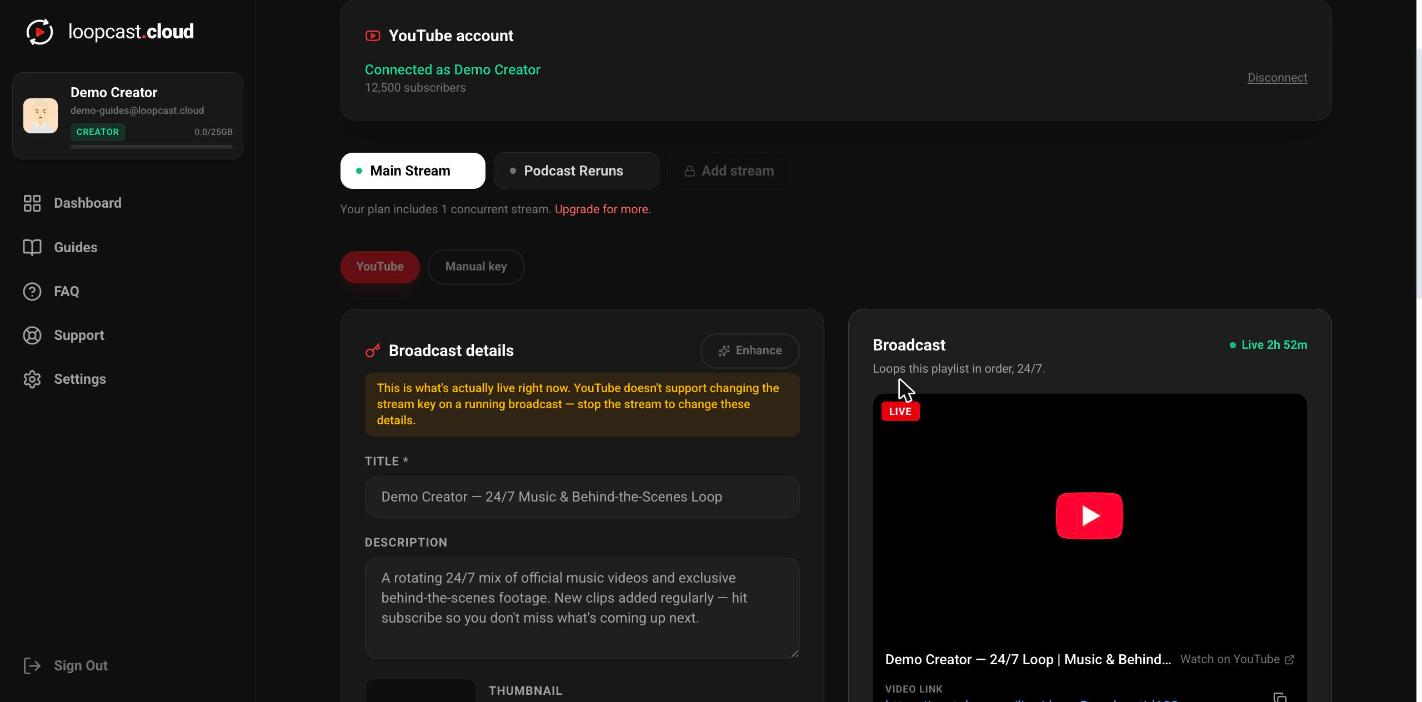
Enhance (next to Broadcast details) sends whatever you've already typed — plus your playlist's first video's file name as a light hint, never the deciding factor — to an AI assist that suggests a title, a 2–4 sentence description, and a set of relevant tags. It fills the form for you to review and edit; nothing saves until you actually go live or save changes.
If you already have a real title or description, that's treated as the source of truth — Enhance polishes and expands on it rather than replacing your subject with a guess based on a random file name.
On desktop
Worth knowing
- ·Stats are for your most recently created broadcast on that stream — going live again starts a fresh broadcast with its own stats, separate from the last one's numbers.
- ·Enhance never publishes anything on its own — it only fills the form fields for you to review, keep, or rewrite before you actually go live.
- ·If your playlist is a rotating mix of many different videos, Enhance is told that explicitly so it doesn't write copy that only fits the first one.
Multiple streams & Manual key mode