Growth ·
7 Tools to Find Live Stream Topics That Already Get Views on YouTube
A 24/7 stream runs whether anyone watches or not. The topic decides if they do. So pick it the way smart uploaders pick videos: find proof of demand first, then go live.
The best tools for that job are OutlierKit for outlier research across a whole niche, vidIQ and 1of10 for fast outlier and title checks, and Keyword Tool and Google Trends for search demand. ViewStats and Social Blade help you watch the channels you compete with. This guide covers what each one finds and costs, then walks one stream idea from search to launch.
Why research the topic before you go live
A loop stream is a big bet on one idea. You might run the same "rain sounds for sleep" stream for months. If nobody searches for it, nothing else you do will fix that.
The best proof is an outlier: a video that got far more views than its channel usually gets. If a channel that averages 2,000 views posts a video that hits 30,000, the topic or the title found real demand. When several channels in one niche break out on the same theme, you are looking at a pattern, not luck.
One honest note. None of the tools below has a live stream filter that I could verify. That is fine. Viewers search for a mood or a topic, such as "lofi for studying" or "fireplace sounds", not for a format. So research the topic across all videos in the niche, then check how live streams on that topic look.
Quick comparison
| Tool | Best for | What it shows | Price (US) |
|---|---|---|---|
| OutlierKit | Mapping outliers across a whole niche | Outlier videos ranked by how far each beat its channel, plus keywords and channel analysis | Hobby $49/mo, 30 free trial credits |
| vidIQ | Keywords and outliers in one place | Keyword scores plus an Outliers feature | Free plan, Boost $19/mo |
| 1of10 | Titles and thumbnails | Videos that beat their channel's average, thumbnail search | Free plan, Basic $19/mo |
| ViewStats | Tracking a short list of rivals | Competitor tracking and channel stats | Free account, Business from $249/mo |
| Keyword Tool | Search phrases people type | YouTube autocomplete keywords | Free tool, Pro from $88/mo |
| Social Blade | Checking a rival channel's growth | Public subscriber and view history | Free tier, Bronze $59.99/yr |
| Google Trends | Seeing if interest rises or fades | Relative search interest over time | Free |
The 7 tools
1. OutlierKit
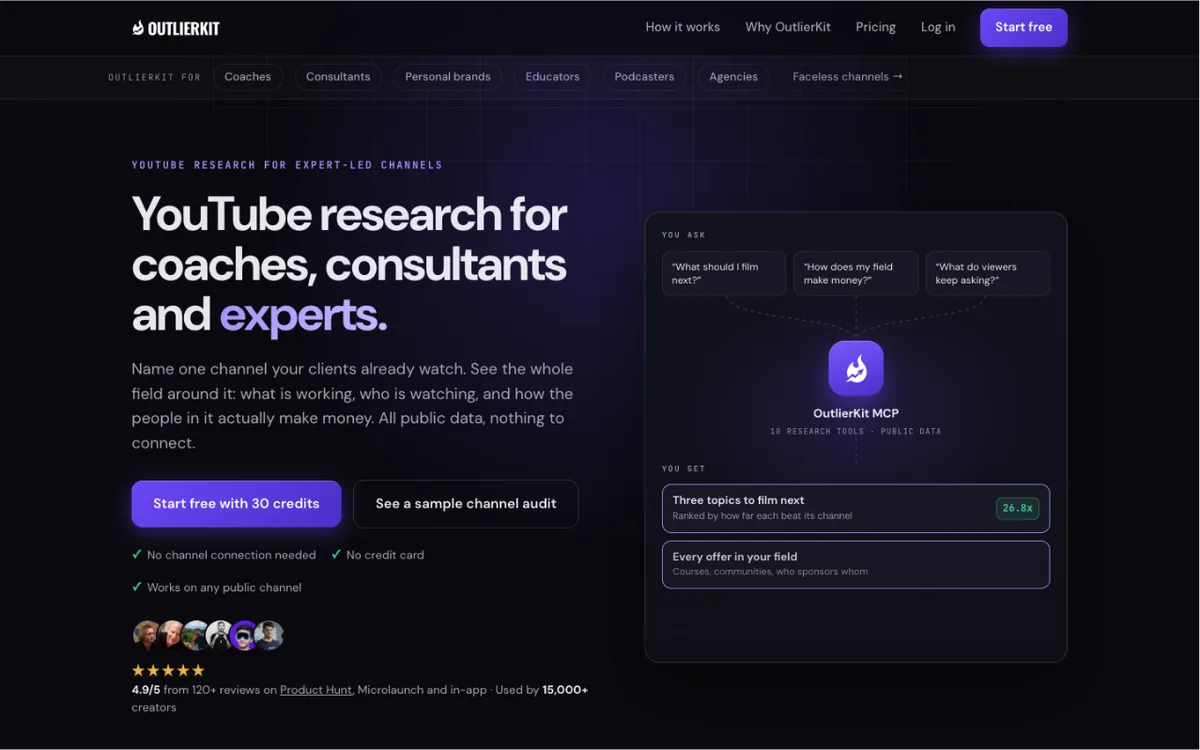
What it finds: OutlierKit is YouTube research built around one question: what already works in this niche? You search a topic and get outlier videos ranked by how far each beat its own channel's usual views. Keyword research shows what your audience searches for, with difficulty. Channel analysis breaks down any competitor's scale, posting rhythm, formats and breakout videos. Deep Research, title and description review, chapters and script review sit on top. Every paid plan includes the API and an MCP connector, so you can run the same research from Claude or ChatGPT.
Best for: Stream owners who want to see the whole field before they commit to a topic, and teams that run several streams across niches.
Watch out for: It covers YouTube only, and it has no live stream filter. You research the topic, then judge the streams yourself. Competitor Studio, which maps how a field makes money and what its comments ask for, needs Pro or Max.
Price: Hobby $49/mo, Pro $99/mo, Max $399/mo. Annual billing saves up to 58%. The free trial gives 30 credits for 3 days, with no card.
2. vidIQ
What it finds: vidIQ is a broad creator suite. Its keyword tool scores search volume and competition. Its Outliers feature shows videos that beat a channel's usual baseline. You can filter by outlier score, views per hour, channel size, publish date and length.
Best for: Creators who want keyword research and outliers inside one tool they may already use.
Watch out for: Outliers is one feature in a large suite. AI features draw from one shared credit pool.
Price: Free plan. Boost $19/mo or $199/yr. Max $49/mo or $468/yr.
3. 1of10
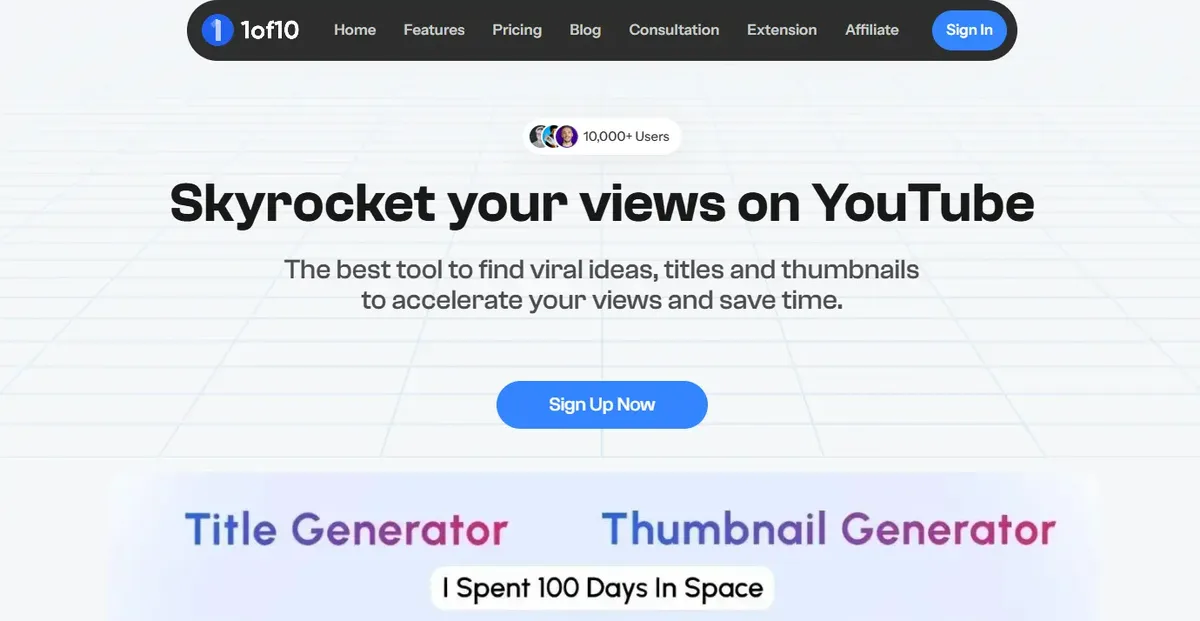
What it finds: 1of10 surfaces videos that beat their channel's average. It adds thumbnail search, trending formats and AI tools for titles and thumbnails.
Best for: Packaging research. A stream title and thumbnail sit in search for months, so it pays to study what wins clicks in your niche.
Watch out for: The free plan shows only 5 outlier results per search. There is no free trial, but there is a 7-day money-back guarantee.
Price: Free plan. Basic $19/mo, or $15/mo billed yearly. Pro $89/mo, or $69/mo billed yearly.
4. ViewStats
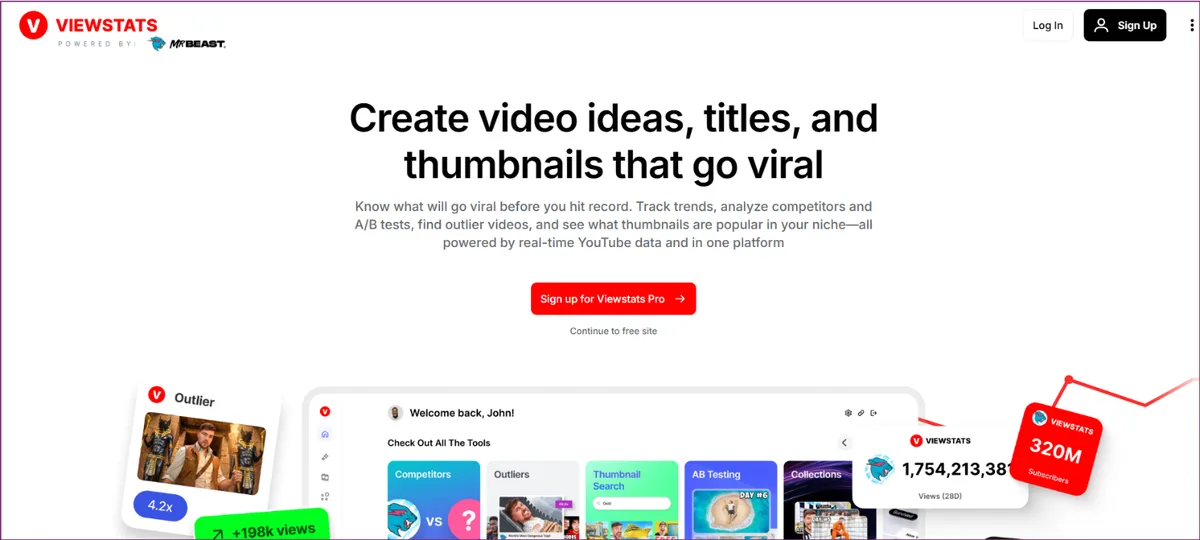
What it finds: ViewStats, from the MrBeast team, tracks channel stats and lets you compare your channel against competitors.
Best for: Keeping an eye on three or four streams that already own your niche.
Watch out for: The public pricing page does not show the Pro price, and the next tier up is Business. That is a big jump for a solo stream owner.
Price: Free account. Business starts at $249/mo.
5. Keyword Tool
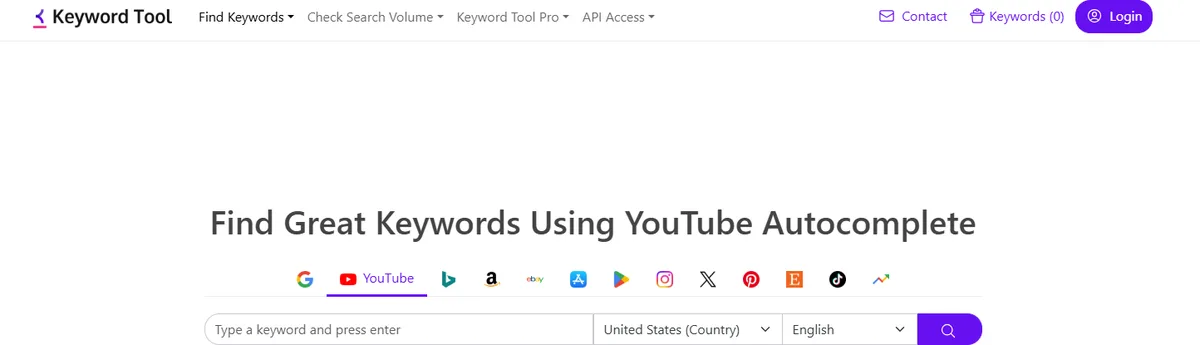
What it finds: Keyword Tool pulls suggestions from YouTube autocomplete. The free version returns hundreds of long-tail phrases with no account. That is the exact wording viewers type, such as "jazz for work" or "thunderstorm sounds 10 hours".
Best for: Writing a stream title that matches how people search.
Watch out for: Search volume and history need the Pro plan. The free list tells you a phrase exists, not how many people use it.
Price: Free tool. Pro Starter $88/mo, or $68/mo on annual billing.
6. Social Blade
What it finds: Social Blade shows public stats for any channel: subscribers and views over time, plus similar channels.
Best for: A quick check on whether a rival stream channel is growing, flat or fading.
Watch out for: It shows numbers, not reasons. It will not tell you which topic or title drove a jump. The free tier keeps 30 days of table data.
Price: Free tier. Paid plans bill yearly and start at Bronze, $59.99/yr.
7. Google Trends
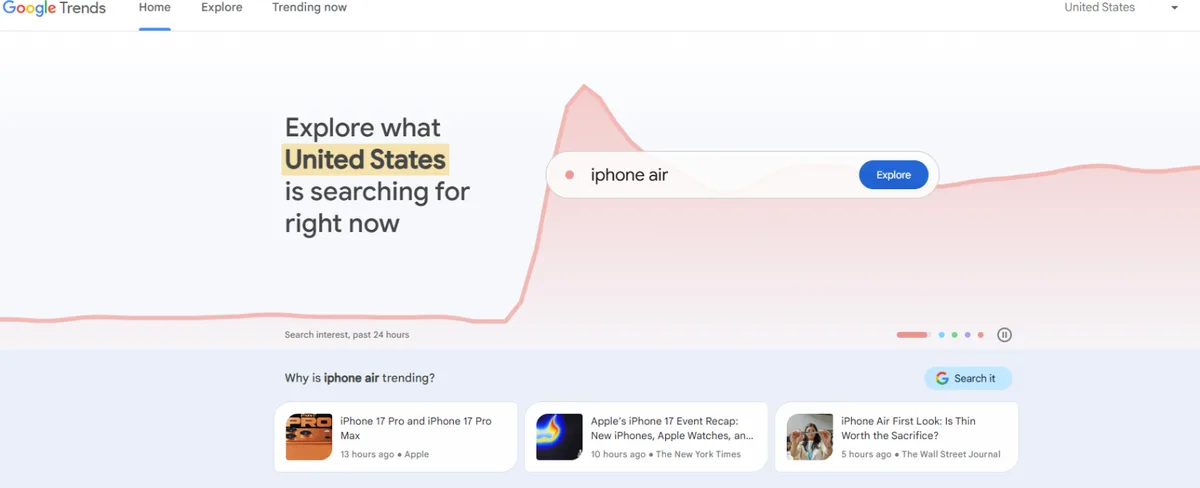
What it finds: Google Trends shows how interest in a topic changes over time. Switch the search type to YouTube Search and compare topics side by side.
Best for: Seasonal streams. A Christmas fireplace stream, an exam season study stream or a summer beach ambience stream all live or die by timing.
Watch out for: It shows relative interest on a 0 to 100 scale, not real search numbers. It says nothing about which videos win.
Price: Free.
A 5-step way to pick your next stream
Take a channel that wants to launch a 24/7 sleep stream. The same steps work for study music, news or gaming replays.
Step 1. Search the topic, not the format. Search "sleep sounds" in an outlier tool. Sort by outlier score, not raw views. Note which sub-themes keep breaking out: rain, ocean, brown noise, fan noise.
Step 2. Check that it is a pattern. Look for three or four channels that broke out on the same sub-theme. One spike is a hunch. Four spikes are demand.
Step 3. Confirm search demand. Run the winning sub-theme through Keyword Tool or vidIQ to find the exact phrases people type. Then check Google Trends with the YouTube Search filter. A steady or rising line means the window is open.
Step 4. Size up the streams already there. Search the phrase on YouTube and filter by live. Check the top channels in Social Blade or ViewStats. If one giant owns every slot, pick a narrower angle, such as "brown noise for babies".
Step 5. Package it, then go live. Study the outlier titles and thumbnails in 1of10 or OutlierKit. Keep the promise, use the searched phrase and make the thumbnail your own.
Common mistakes
Chasing raw views. A 2M-view video on a 5M-subscriber channel is normal for that channel. It is not a signal.
Copying a title word for word. An outlier proves the demand, not the exact words. Keep the topic and the promise, then add your own angle.
Ignoring timing. A topic that peaks in December will drag in July. Check the trend line before you commit months of streaming to it.
Picking a topic you cannot sustain. A 24/7 stream needs enough footage or music to run without feeling stale. Pick a topic you can refresh.
FAQ
What is an outlier video?
A video that gets far more views than its channel usually gets. A score of 5x means five times the channel's normal views.
Which free tools help pick a stream topic?
Google Trends and the free version of Keyword Tool cost nothing. vidIQ, 1of10 and Social Blade have free tiers with limits, and OutlierKit has a free trial.
Do these tools track live streams directly?
I could not verify a live stream filter in any of them. Research the topic across all videos in the niche, then check the live results on YouTube by hand.
Do loop stream watch hours count toward monetization?
Only from a saved replay. YouTube says watch hours from streams that are unlisted, deleted or not converted to a public video do not count. Plan your restarts so each run leaves a replay behind.
Once you have a topic with proven demand, a cloud streamer like Loopcast keeps it live 24/7 without OBS or a computer left running.
About the author: Aditi researches what makes YouTube videos break out for coaches, consultants and expert-led channels, and publishes data-backed channel breakdowns and tool comparisons at outlierkit.com/resources.